Microsoft Communications Portal
Microsoft updates in a single pane of glass — an aggregated portal that surfaces roadmaps, release plans, Message Center posts, and service health across Microsoft 365, Power Platform, Fabric, and Azure, with optional AI impact triage.
- Node.js
- Microsoft Graph
- Azure Resource Manager
- Power Platform
- Azure OpenAI
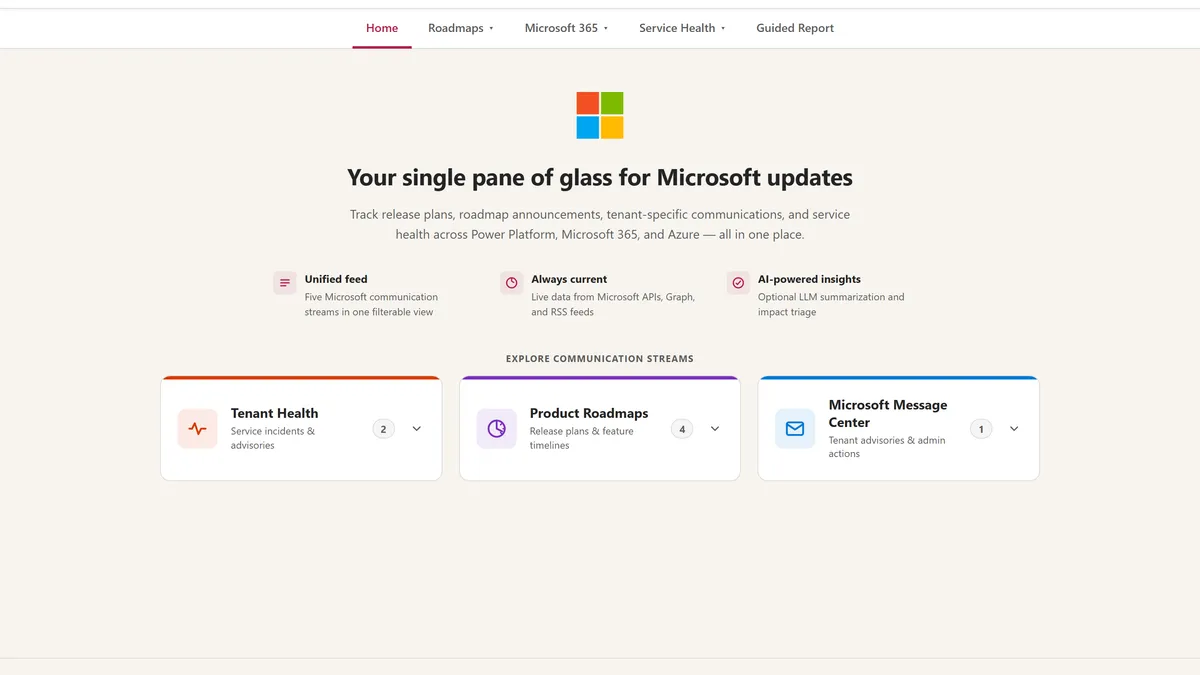
Keeping up with Microsoft change is a full-time job spread across a dozen places: the Microsoft 365 roadmap, the Power Platform release planner, the Fabric roadmap, Azure Updates, tenant-specific Message Center posts, and Service Health incidents — each in its own portal, RSS feed, or admin center. The Microsoft Communications Portal folds all of those streams into one filterable, dark-mode-friendly UI so IT teams can track what’s changing, plan for it, and communicate it clearly.
It grew out of a recurring customer ask: a single pane of glass for every Microsoft update that affects them, something they could stand up on their own infrastructure or host in Azure. Under the hood it’s a small Node.js server that proxies the upstream APIs, handles Microsoft Graph authentication, and serves nine pages — six of which work with zero credentials, so you can be running in under a minute.
Independent project — not affiliated with, endorsed by, or supported by Microsoft. It’s a sample/reference implementation provided as is; the official portals remain the system of record for anything compliance-critical.
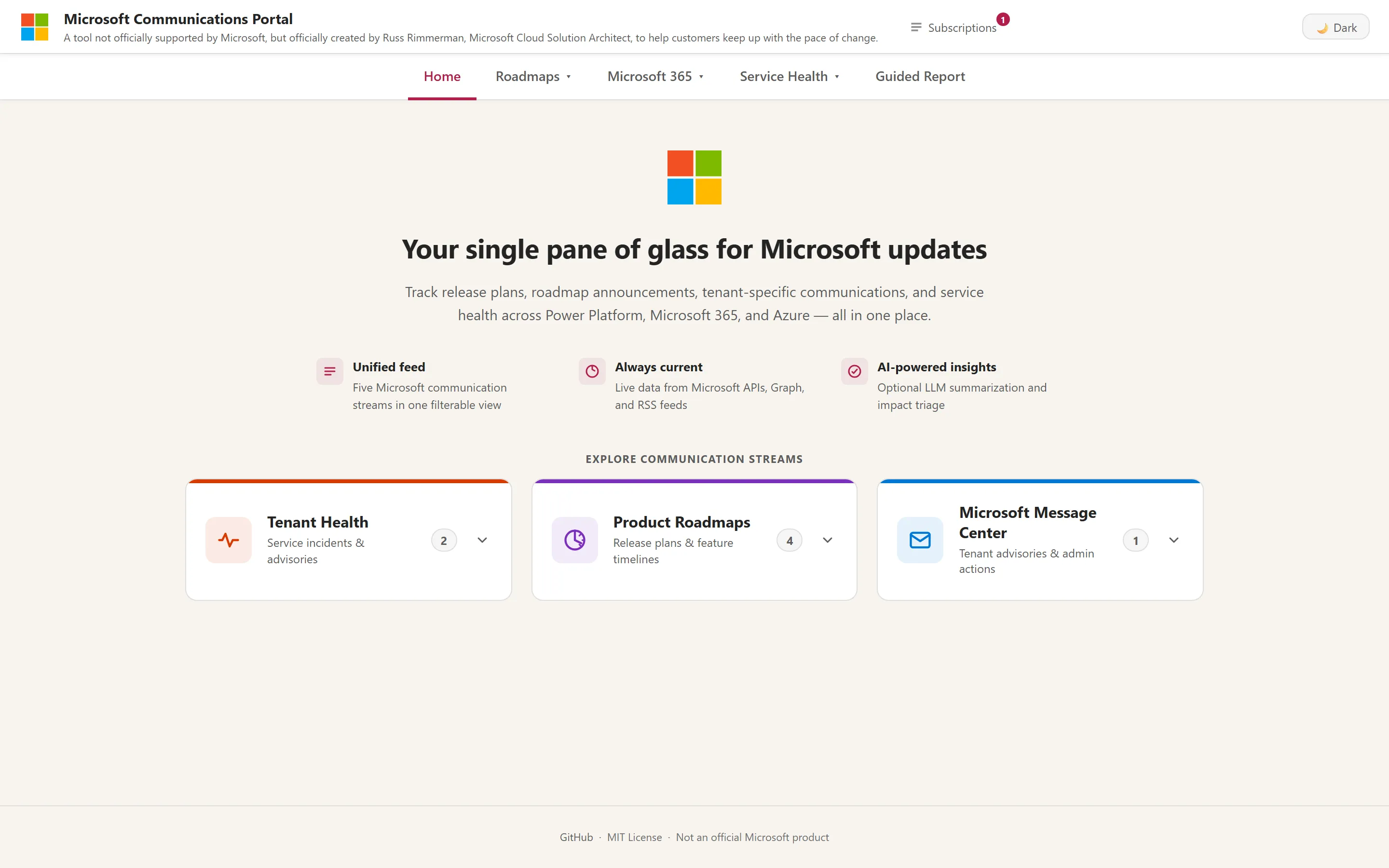
Product roadmaps and release plans
Three of the busiest pages track what’s coming. The Power Platform Release
Planner browses planned features across Power Apps, Power Automate, Copilot
Studio, and the rest of the platform by product, wave, and date — proxied straight
from releaseplans.microsoft.com.
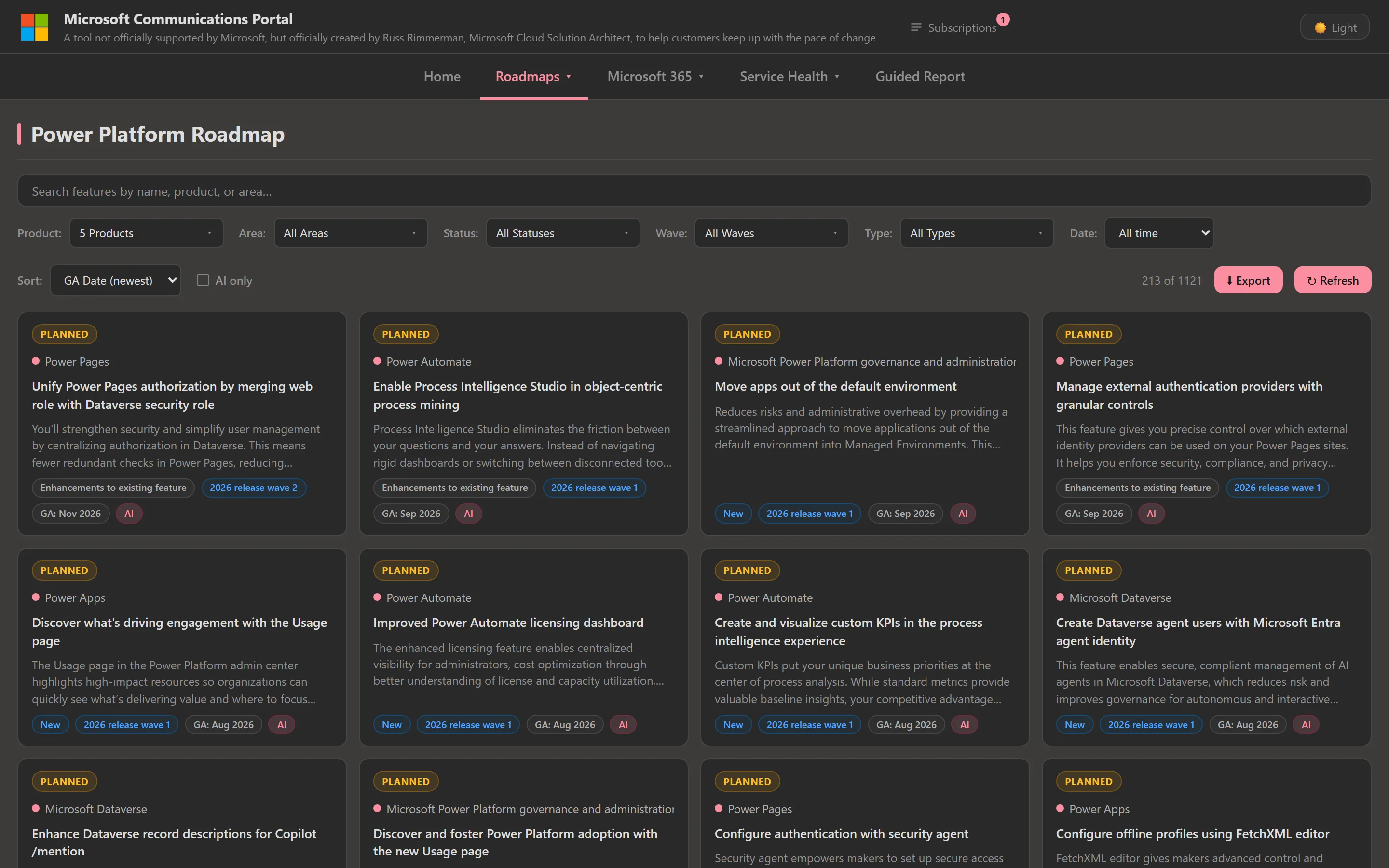
The Microsoft 365 Roadmap page pulls the official M365 roadmap feed — 1,800+ items at any given time — with search, status and product filters, and an optional group-by-product view. Every card auto-resolves its product badge to the right Microsoft icon (Copilot, Planner, Edge, Entra, Purview, and 30+ more).
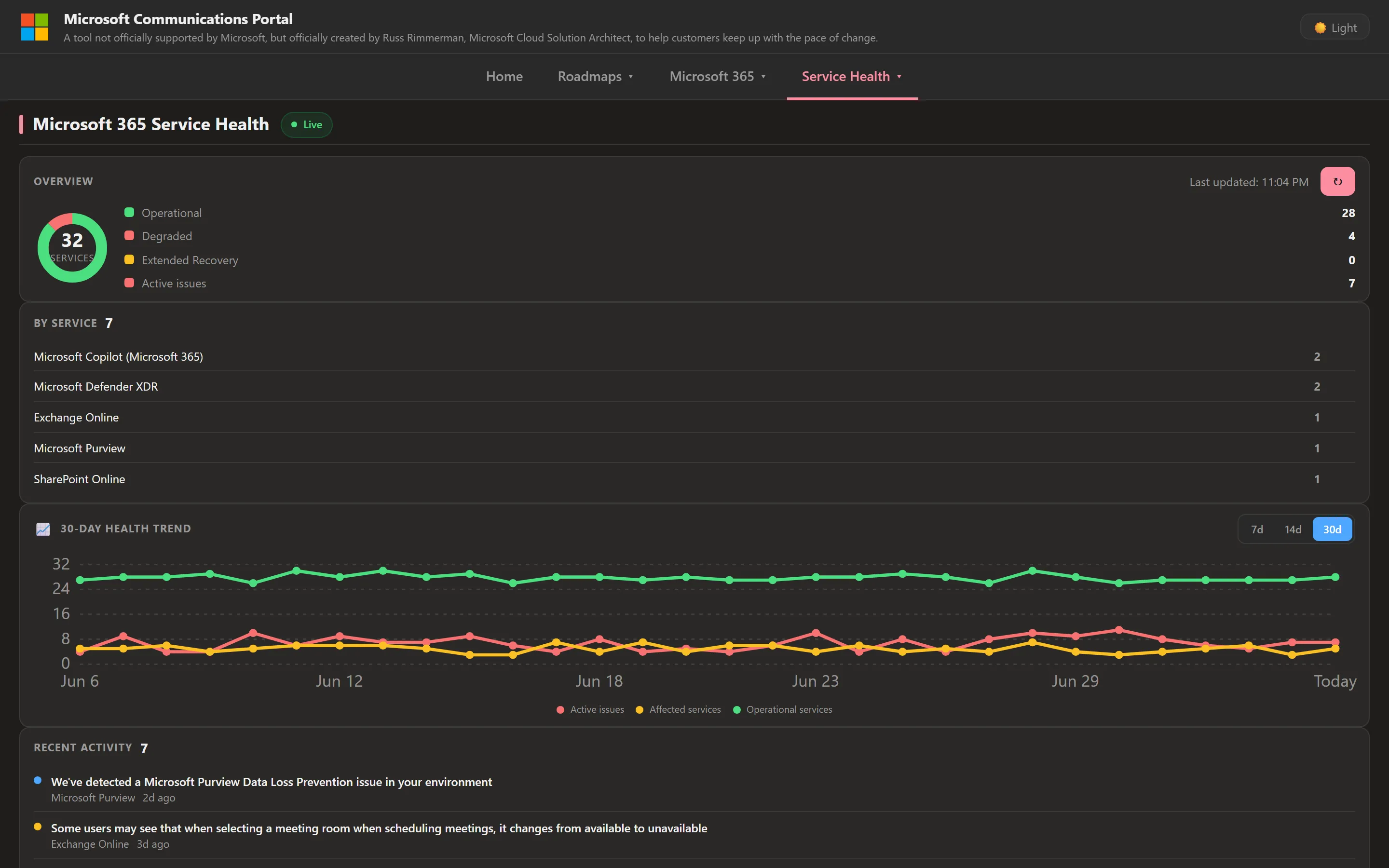
Azure Updates does the same for Azure product announcements, tagging each item as launched, in preview, or a retirement so you can spot deprecations early.
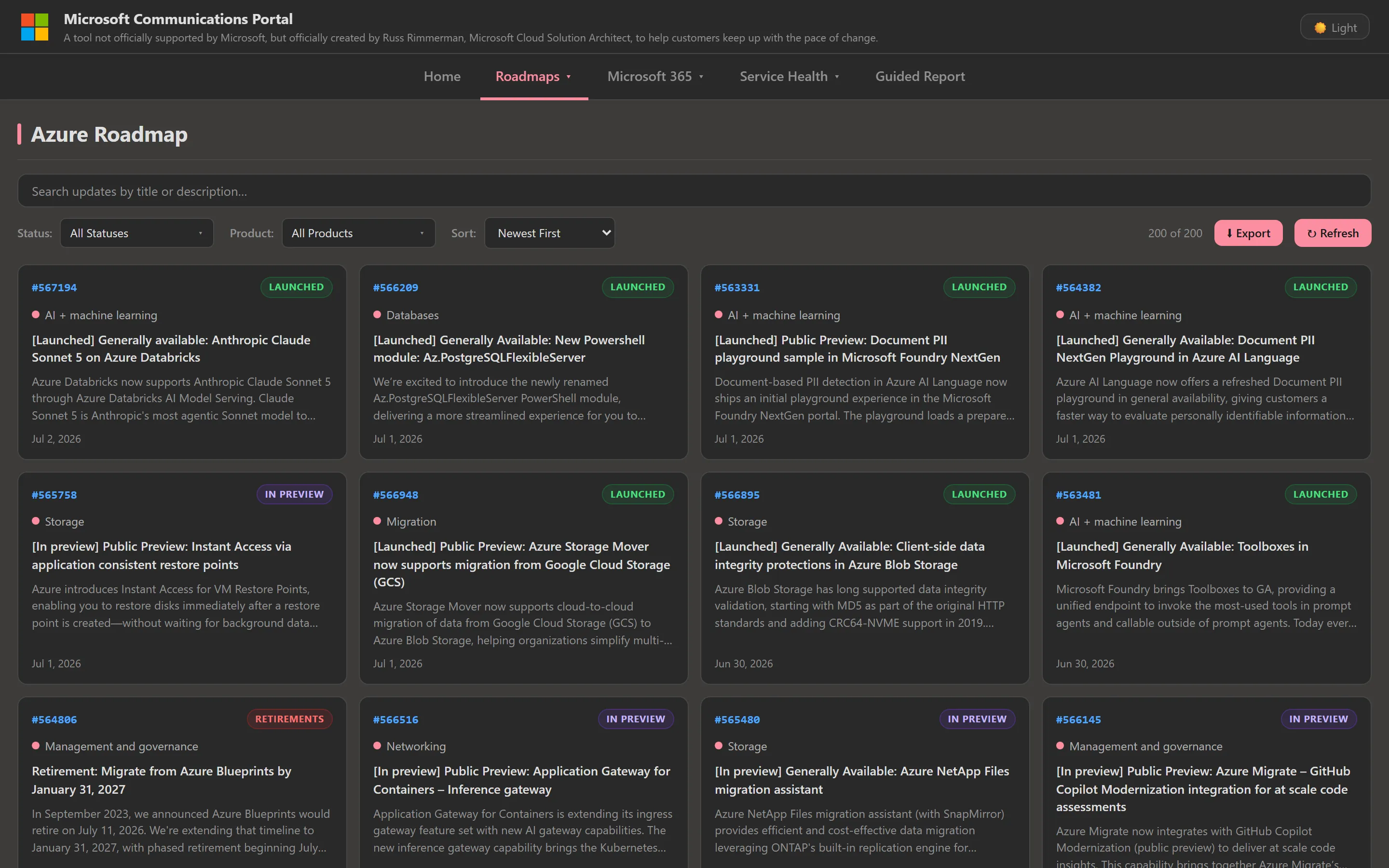
The Microsoft Fabric Roadmap rounds out the roadmap set, covering Fabric release features across 14 product areas — Data Engineering, Real-Time Intelligence, OneLake, Power BI, and more — with status, release-type, and time-range filters.
Tenant-specific communications
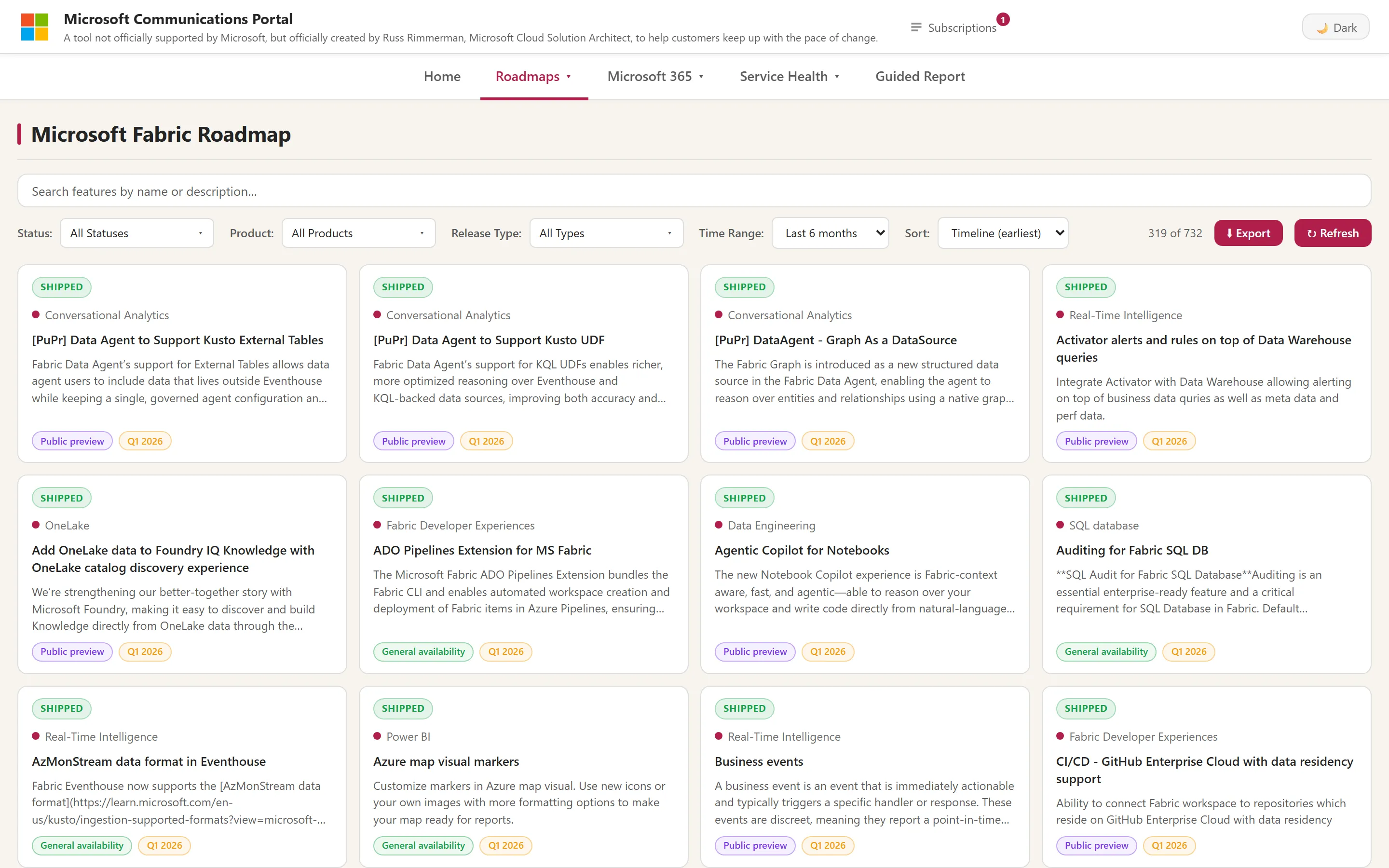
Two Graph-backed pages surface what’s happening in your tenant. The Microsoft 365 Message Center shows tenant advisories filterable by severity, product, and date, with major changes and action-required items visually flagged, plus search and Outlook-ready export.
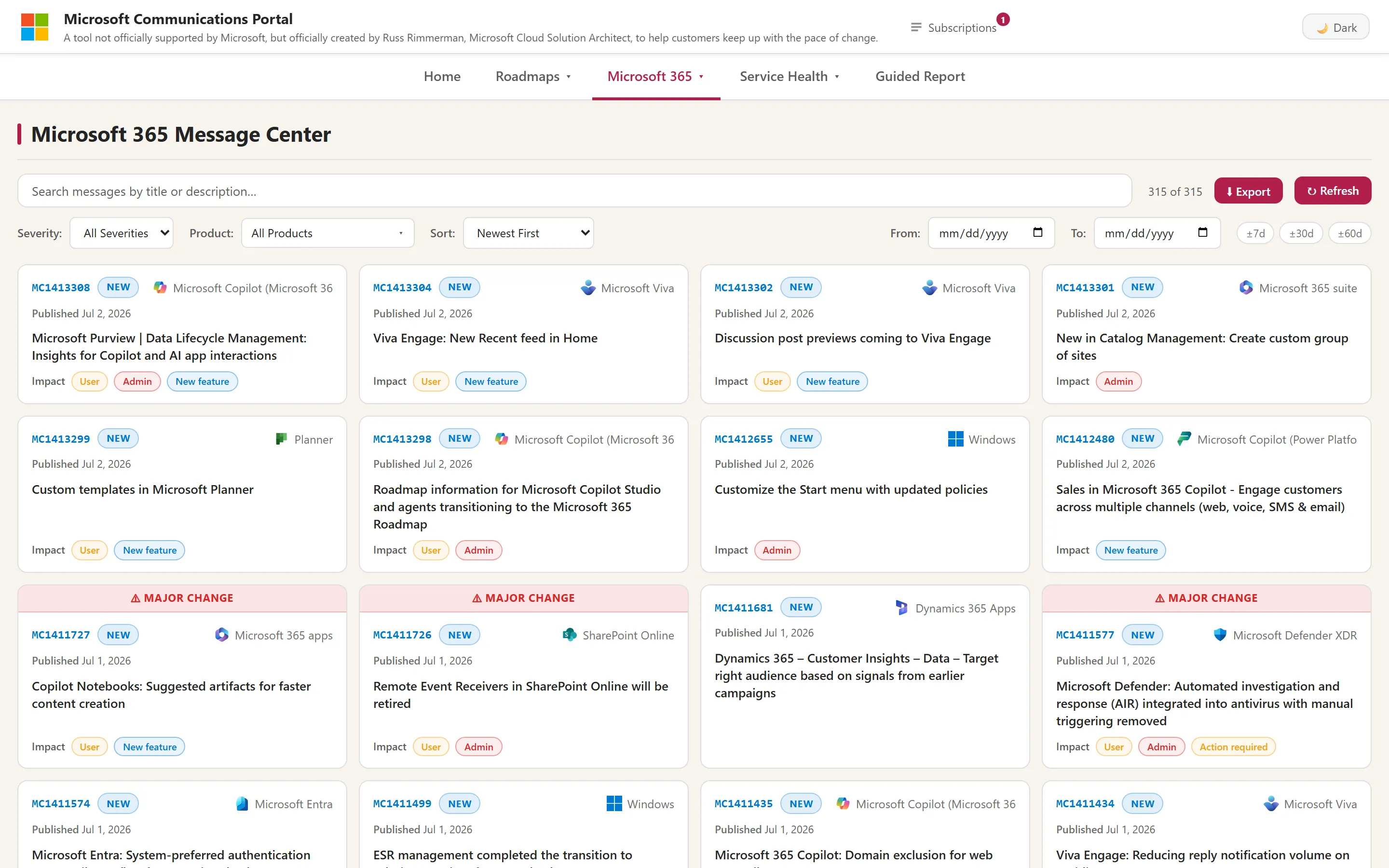
Microsoft 365 Service Health gives a live operational picture: a service-status donut, a by-service breakdown of active issues, a 30-day health trend, and a recent activity feed — all refreshed on an interval.
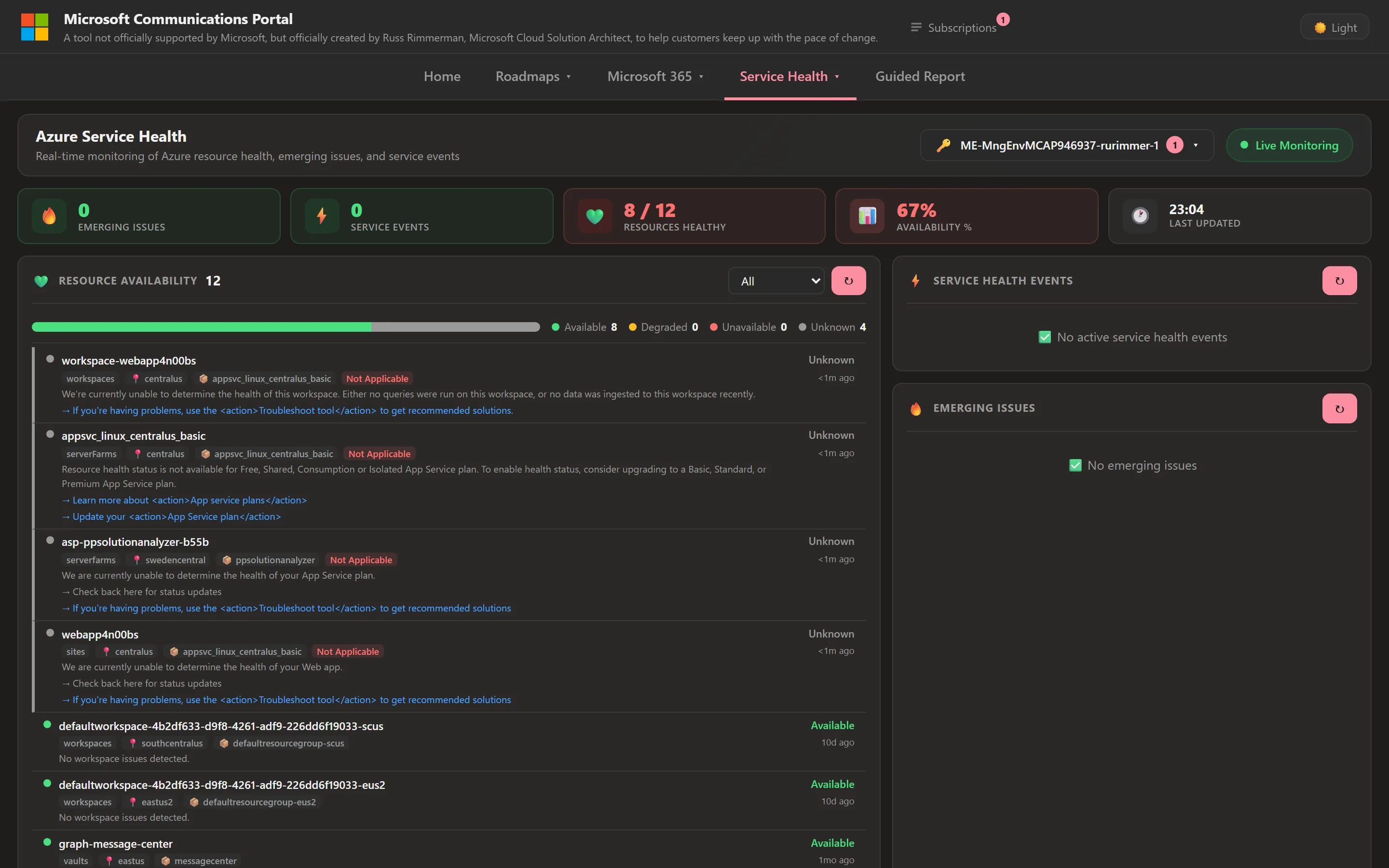
If you also wire up the Azure Management API, Azure Service Health adds subscription-level resource availability, emerging issues, and service events — so platform-side and tenant-side signals live on the same portal.
Guided reports and Outlook-ready export
Every page has a one-click Export that produces a self-contained HTML table you
can paste straight into an Outlook email — deliberately built to survive Outlook’s
habit of stripping <style> blocks by inlining styles and legacy bgcolor
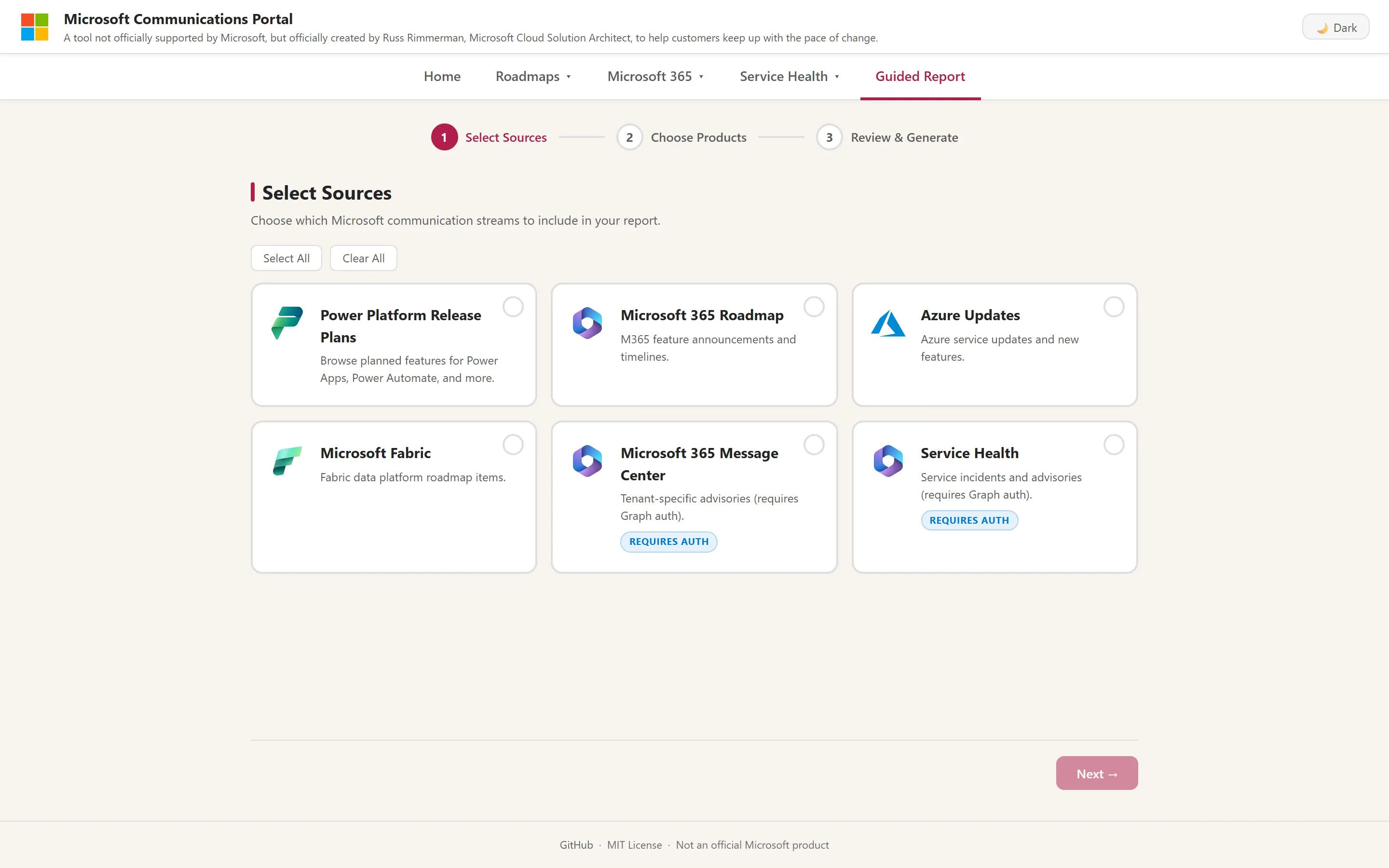
attributes on every cell. The Guided Report wizard goes further: pick your
sources, choose the products, review, and generate a focused digest by date range.
Optional AI insights
When you supply an API key for Azure OpenAI, OpenAI, or GitHub Models, the portal adds an AI layer on top of the raw feeds. Each page can show a “Top 5 most impactful changes this week” digest (covering the last 14 days), and every announcement gets a Summarize with AI button that returns a plain-language summary, an impact rating, the affected audience, and an admin-action flag with deadline. When no provider is configured, the AI panels disappear cleanly — there’s no half-broken state.
AI here is treated as a security surface, not just a feature: system prompts explicitly ignore instructions embedded in feed content (indirect prompt injection), responses are constrained to a fixed JSON schema, and there are per-endpoint rate limits plus a daily LLM budget cap to keep costs and abuse in check.
Deploy it your way
The portal ships three deployment paths so it fits how you actually operate:
- Azure Developer CLI (
azd up) — deploys to Azure App Service from included Bicep templates, with an optional Entra ID “Easy Auth” gate so only signed-in organizational users can reach it. - Docker —
docker runa prebuilt image for a quick trial or an on-prem host, bound to loopback by default so credentials aren’t accidentally exposed. - Run locally — clone,
npm install,npm start; six pages work immediately with no credentials at all.
Graph-backed pages (Message Center, Service Health) need an Entra app registration, and Azure Service Health needs an additional Azure role assignment — each optional, each documented step by step.
Security by default
For a tool that can hold Graph tokens and call billed AI APIs, the security posture is deliberately conservative and on by default:
- Loopback-only binding — the server refuses to start on a non-loopback address unless you explicitly opt in, and warns loudly when you do.
- Strict CSP with per-request nonces — no
unsafe-inline; plusframe-ancestors 'none',base-uri 'none', and a full set of hardening headers (HSTS,X-Content-Type-Options,X-Frame-Options,Referrer-Policy). - Allow-list HTML sanitizer — untrusted feed and Graph HTML is parsed with
DOMParserand reduced to a small allow-list of safe tags and attributes, with event-delegation instead of inline handlers. - SSRF and redirect safety — outbound redirects are restricted to Microsoft
hosts over HTTPS, and Graph tokens are never sent anywhere but
graph.microsoft.com. - Rate limiting and budget caps — per-IP limits on every endpoint (tighter for AI calls), plus a global daily LLM budget cap.
- Minimal supply chain — a single runtime dependency (
dotenv), no native add-ons, and Node.js 24 LTS enforced viaengines.
It’s MIT-licensed and open source. It won’t replace the official admin centers — and it isn’t meant to — but for keeping a team ahead of the pace of Microsoft change, one filterable portal beats a dozen browser tabs.