Pulse 360°
A product-agnostic news and update portal that unifies Microsoft's official update streams — Microsoft 365, Azure, Fabric, Power Platform, Dynamics 365, Copilot, and the MSRC — into one fast, filterable, dark-mode-first dashboard.
- Next.js 16
- React 19
- TypeScript
- Tailwind CSS 4
- Microsoft Graph
- Azure API Management
- Vercel
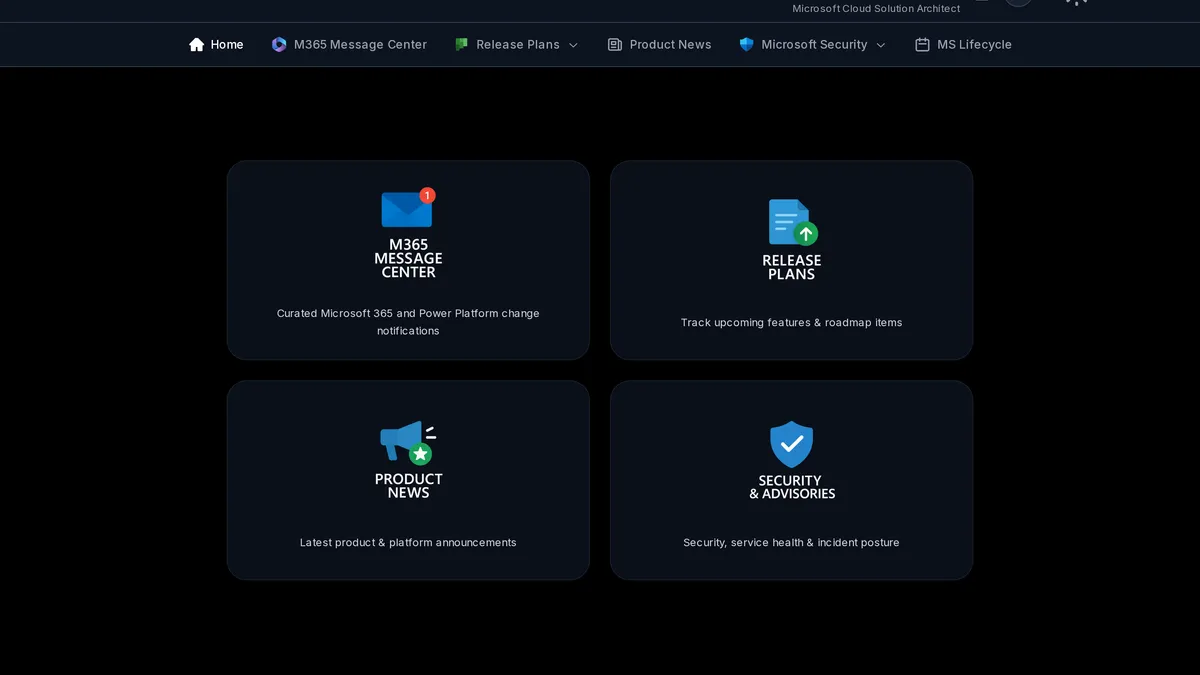
Pulse 360° answers a question every Microsoft-focused team asks: what changed, and where do I find it? Instead of bouncing between the Message Center, the Azure updates blog, the Microsoft 365 and Fabric release planners, the MSRC portal, and a dozen product blogs, you get one console with the same filtering, search, and drill-through behavior across every product area — sorted newest-first, keyboard-navigable, and equally usable in light or dark mode.
It’s live at mspulse360.app, built on the Next.js 16 App Router, React 19, TypeScript, and Tailwind CSS 4, with Radix UI primitives for the interactive pieces. Server Components do the heavy lifting; client islands add just the filters and modals that need state. There are no third-party trackers beyond Vercel Analytics and Speed Insights.
Independent project — not affiliated with, endorsed by, or supported by Microsoft. It surfaces Microsoft’s own public feeds; the official portals remain the system of record for anything compliance-critical.
What it unifies
Pulse 360° pulls signals from the official Microsoft channels and renders them with a consistent UI everywhere:
- Microsoft 365 Message Center — live tenant messages via Microsoft Graph
(
/admin/serviceAnnouncement/messages), brokered through Azure API Management in production so the app ships no Entra credentials - MSRC Security Updates — official CVRF data from
api.msrc.microsoft.com, with a month picker, per-CVE cards, KB articles, downloads, weakness (CWE) info, and revision history - Release Plans — Azure, Microsoft 365, Fabric, and Dynamics 365 / Power Platform release planners
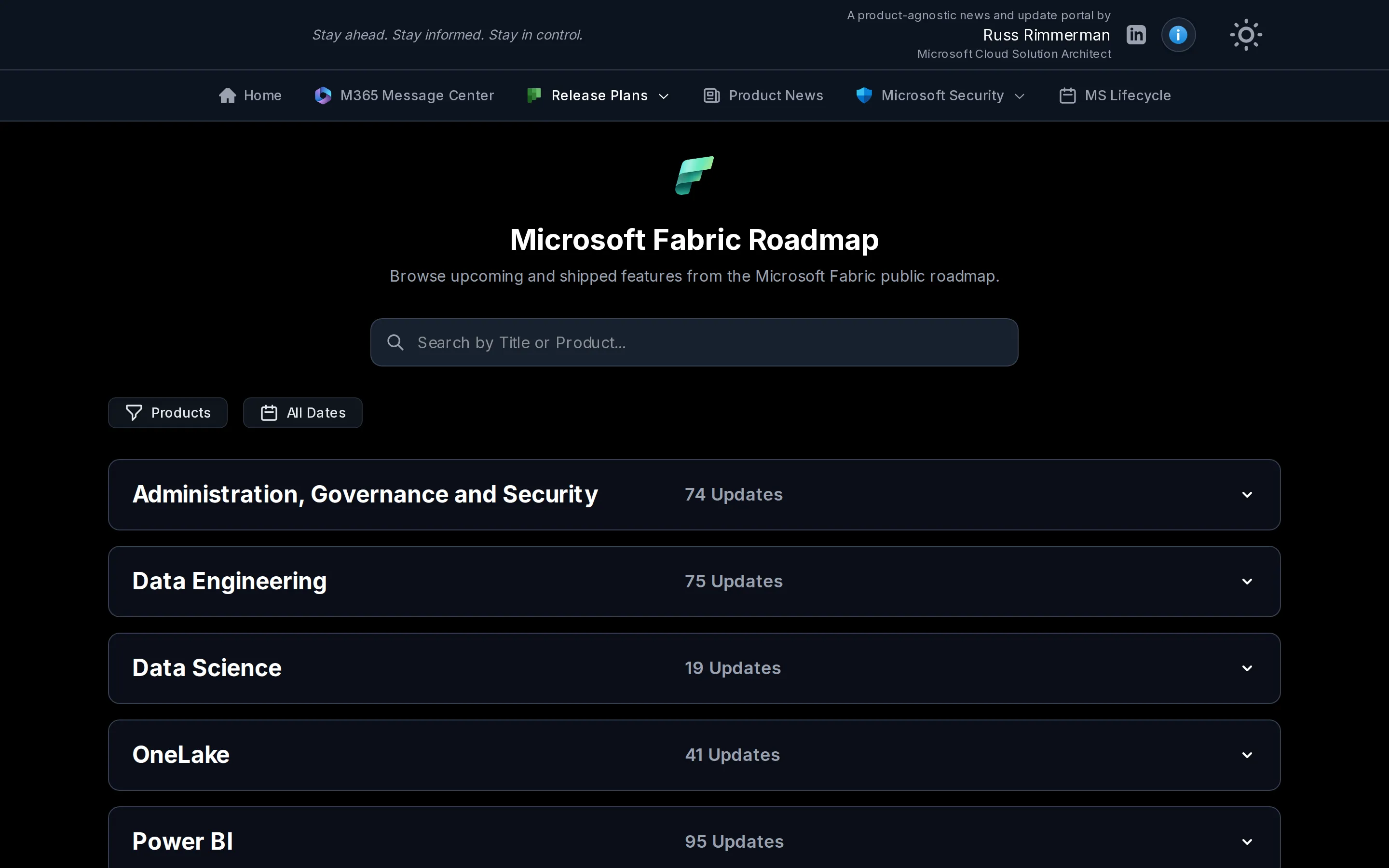
- Fabric & Power Platform Roadmap — grouped by product, collapsible, with drill-through detail pages
- Product News — aggregated RSS/Atom feeds for Power BI, Power Apps, Power Automate, Power Platform, Copilot, Copilot Studio, Azure AI Foundry, Azure AI/ML, Semantic Kernel, VS Code, Windows, Tech Community, the Learn blog, and the Microsoft Fabric blog
Every list gets global filtering and search — Product, Area, Date, and Major Changes filters, plus case- and whitespace-insensitive matching against titles, product names, and message IDs.
Message Center, live from your tenant
The Microsoft 365 Message Center is the one surface that reads your own tenant
rather than a public feed. Pulse 360° pulls advisories straight from Microsoft
Graph (/admin/serviceAnnouncement/messages) and renders them with the same
filtering everything else gets — by product, category, and date, with major
changes and action-required items flagged up front. In production the request
goes through Azure API Management, so the app itself holds no Entra credentials
and still returns live messages.
Security response, at a glance
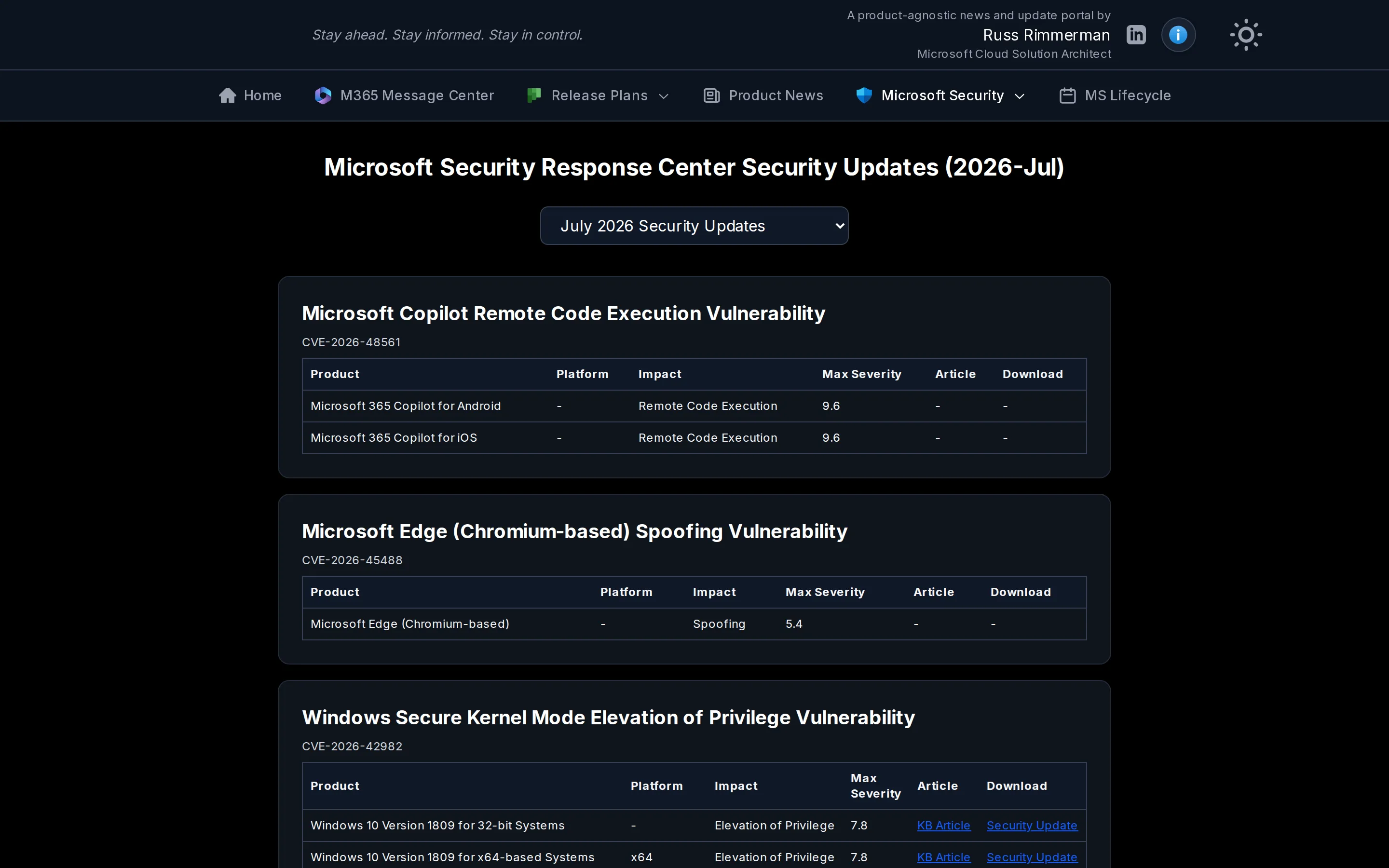
The MSRC surface is the strongest example of the pattern. A month picker exposes every month MSRC has published a CVRF report for; choosing one re-fetches that month’s CVE bundle. Each vulnerability expands to show the affected products, platform, impact, max CVSS severity, KB article links, downloads, and revision history — the same data you’d pull from the MSRC portal, minus the tab-switching.
Product news, aggregated honestly
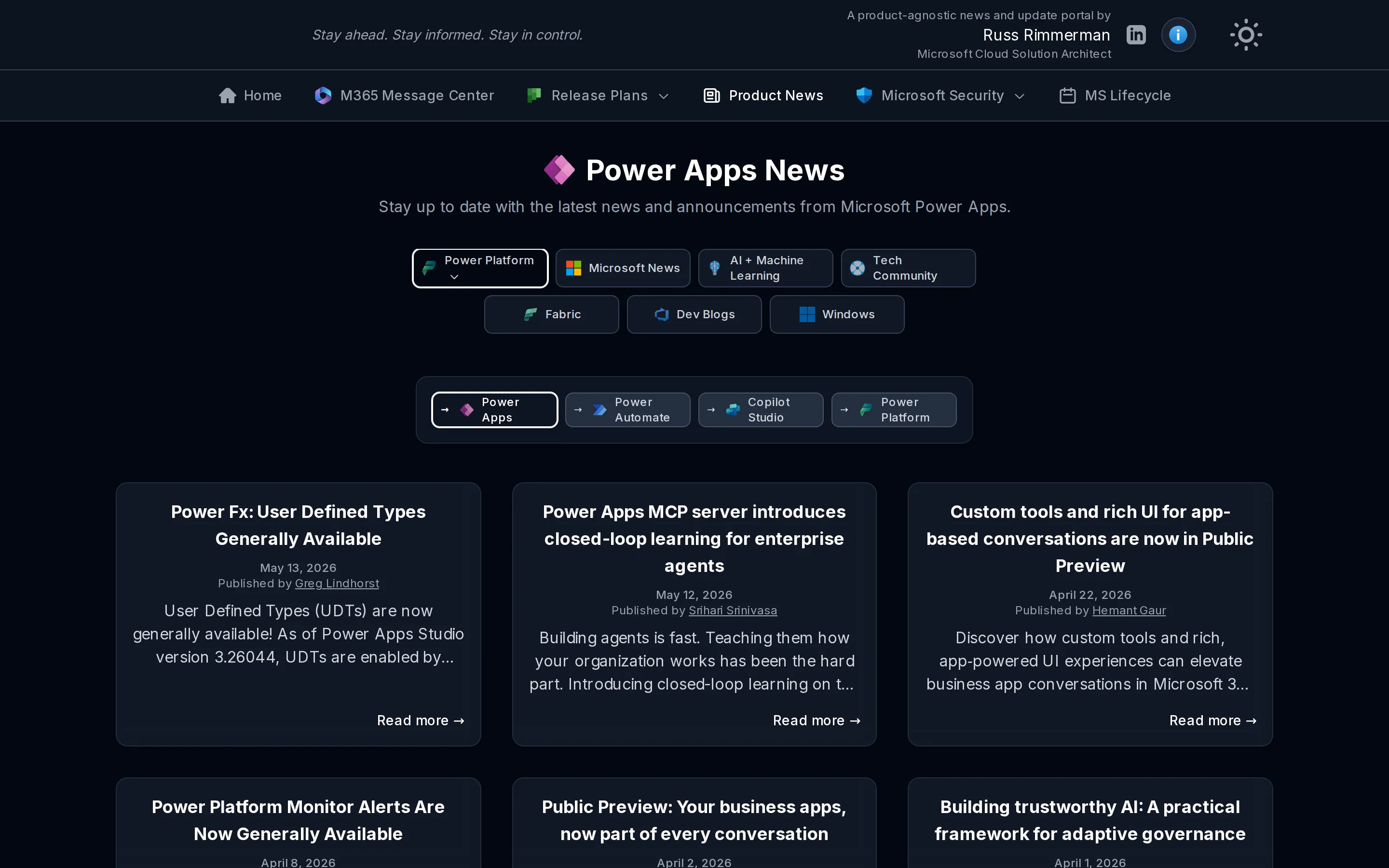
The Product News hub folds 15+ Microsoft blogs into one filterable stream. Pick a category — Power Platform, AI + Machine Learning, Tech Community, Fabric, Dev Blogs, Windows — then narrow to a specific product. Every card is fully clickable and preserves its product and date context on the detail page.
Release plans and roadmaps
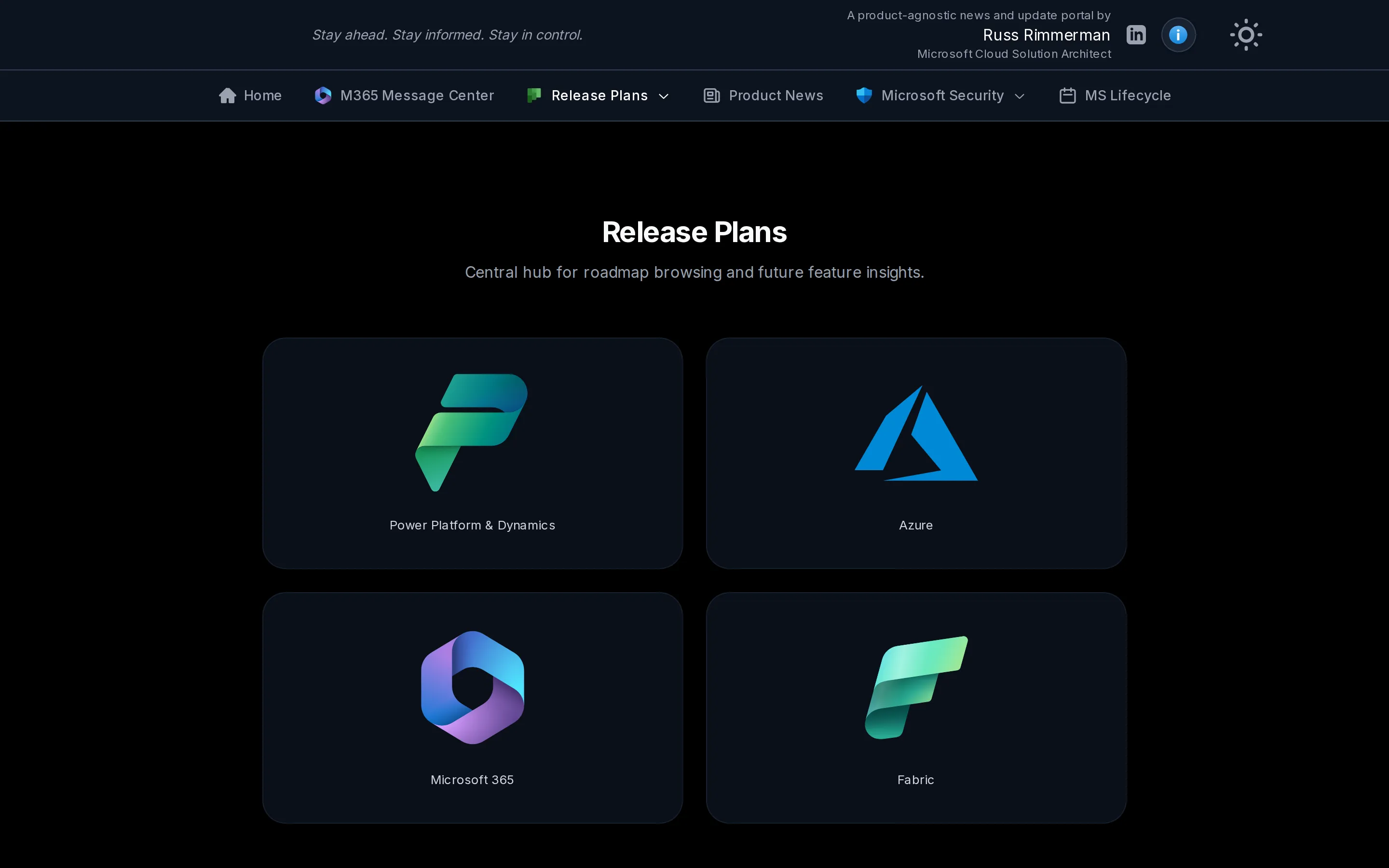
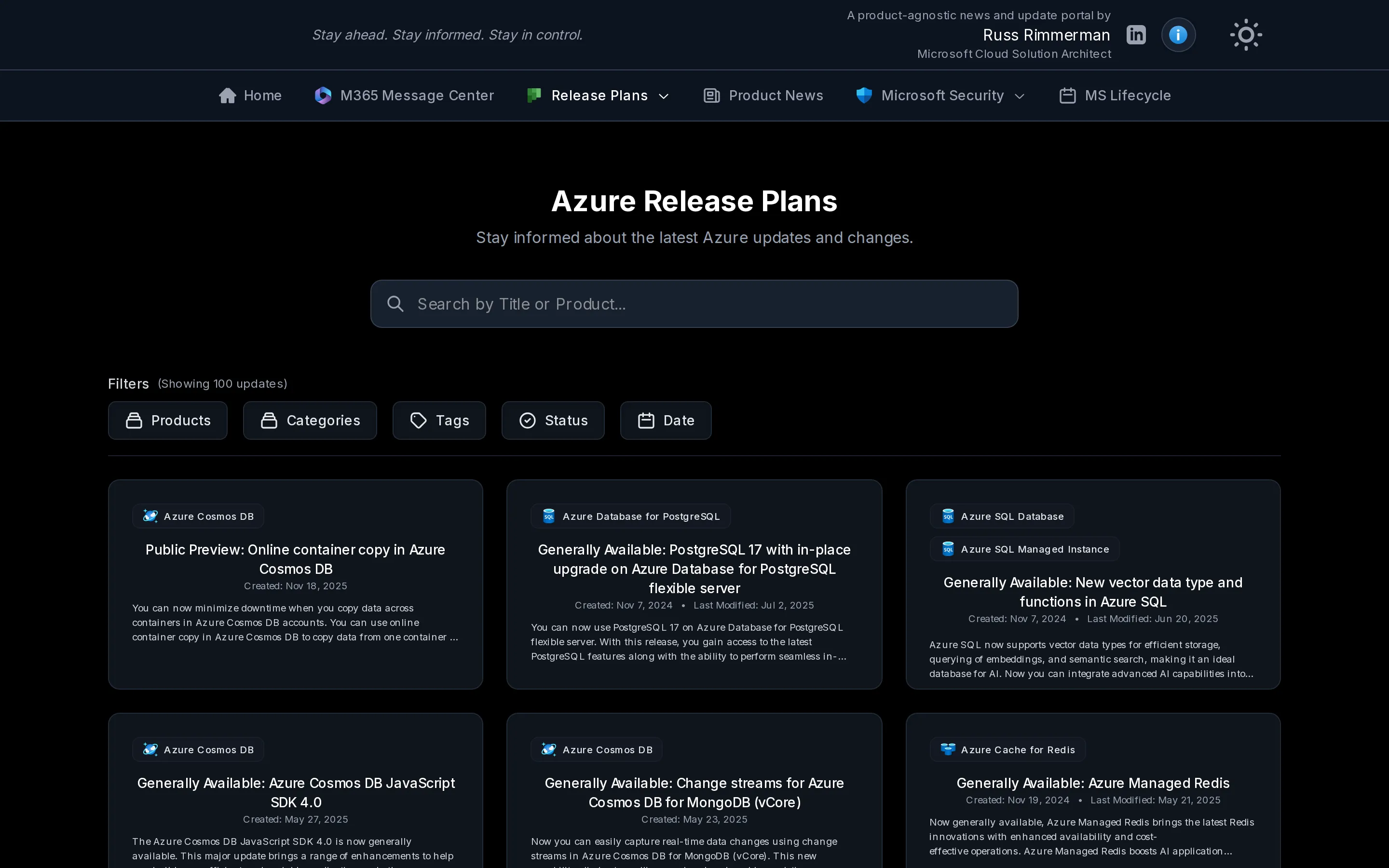
A single Release Plans hub routes into the Azure, Microsoft 365, Fabric, and Dynamics 365 / Power Platform planners, plus a combined roadmap view. Each planner carries its own filters — Products, Categories, Tags, Status, Date — so you can scope, for example, to Generally Available Azure database features from the last quarter.
The Fabric roadmap groups upcoming and shipped features by area — Administration, Governance & Security; Data Engineering; Data Science; OneLake; Power BI — with a live update count per group and drill-through detail pages.
Architecture at a glance
Everything is server-first: the browser only ever talks to Pulse 360°’s own
/api/* route handlers, and the Next.js server calls each upstream on the
reader’s behalf. The Message Center path is the one that needs credentials, and
in production those live in Azure API Management, not in the app.
                    ┌─────────────────────────────────────────────┐
                    │                Browser (client)             │
                    │   React 19 islands: filters, search, modals │
                    │        · React Query 5 · Zustand 5          │
                    └───────────────────────┬─────────────────────┘
                                             │ fetch /api/*
                                             ▼
      ┌────────────────────────────────────────────────────────────────┐
      │             Next.js 16 App Router  ·  Vercel (server)           │
      │  Server Components · Route Handlers · server-only Graph client  │
      └────┬────────────────┬─────────────────┬────────────────┬───────┘
           │                │                 │                │
    /api/messages     /api/proxy-rss      /api/msrc     release-plan fetches
           │                │                 │                │
           ▼                ▼                 ▼                ▼
   ┌───────────────┐ ┌──────────────┐ ┌──────────────┐ ┌──────────────────┐
   │ Azure API     │ │ Allowlisted  │ │ MSRC CVRF API│ │ Microsoft release│
   │ Management    │ │ *.microsoft  │ │ api.msrc.    │ │ planner feeds    │
   │ (APIM gateway)│ │ .com RSS/Atom│ │ microsoft.com│ │ (M365/Azure/etc.)│
   └───────┬───────┘ └──────────────┘ └──────────────┘ └──────────────────┘
           │ injects app-only token
           │ (client credentials · Named Values)
           ▼
   ┌────────────────────────────────────┐
   │ Microsoft Graph                    │
   │ /admin/serviceAnnouncement/messages│
   │ (M365 Message Center)              │
   └────────────────────────────────────┘
The key move is the leftmost path. The deployment sends unauthenticated
requests to the APIM gateway; APIM does the Entra client-credentials token
exchange and adds the Authorization header from a policy backed by Named
Values. The app never holds a client secret, and the Message Center renders the
same way every other surface does.
How it’s built
The architecture is deliberately server-first:
- Server-first data fetching. The Graph client (
src/lib/api.server.ts) is markedserver-only, so secrets never reach the browser. The client talks to/api/messages; the server calls Microsoft Graph on its behalf. - Azure API Management fronts Graph. In production, the Next.js app holds no
Entra credentials at all — it points at an Azure API Management (APIM)
gateway (for example
https://graphapirim.azure-api.net) that sits in front of the Microsoft 365 Message Center endpoint. APIM performs the app-only client-credentials token acquisition and injects theAuthorizationheader through a policy backed by Named Values, so the deployment sends unauthenticated requests and never stores a client secret. A singleAZURE_API_URLenvironment variable selects this behavior: when it points at a non-graph.microsoft.comhost the app enters “APIM mode” and skips local token acquisition entirely; if APIM ever returns a401, it falls back to direct Graph when local credentials happen to be present. Local development uses that direct path instead —AZURE_CLIENT_ID,AZURE_TENANT_ID, andAZURE_CLIENT_SECRETwithAZURE_API_URLset tohttps://graph.microsoft.com— so the secret only ever lives on a developer’s machine. - Graceful degradation. If an upstream is down, list endpoints return
200with an empty array so the UI degrades instead of throwing a 5xx at the user. - Caching by source. Server fetches use Next.js
revalidatehints — roughly 1 hour for news, 24 hours for Graph — tuned to each feed’s cadence.
Security notes
Because Pulse 360° proxies third-party feeds and Microsoft APIs, the untrusted edges get real attention:
- Allowlisted RSS proxy.
/api/proxy-rssonly fetches HTTPS URLs whose hostname is in a fixed*.microsoft.comset, and reads redirects manually to prevent the proxy from being turned into an SSRF vector. - Strict MSRC input validation.
/api/msrc?monthId=...rejects anything that doesn’t match^\d{4}-[A-Za-z]{3}$before forwarding, preventing path injection. - Feed HTML is sanitized with
isomorphic-dompurifybefore render to mitigate stored XSS from upstream content. - Hardened inline SVG. Inline SVG is allowed but paired with a strict CSP
(
script-src 'none'; sandbox;) andContent-Disposition: attachmentto neutralize active content. - Secrets stay server-side — and in production the Graph credentials don’t
live in the app at all, since APIM holds them and handles token acquisition.
.env*is broadly gitignored, and production console output is silenced to avoid leaking upstream payloads into host logs.
Tech stack
Next.js 16 (App Router, Server Components, Turbopack) and React 19 on TypeScript
5.9, styled with Tailwind CSS 4 and @tailwindcss/typography. Radix UI provides
the accordion, popover, and icon primitives; React Query 5 handles the client
cache and Zustand 5 holds filter state. Feed parsing runs through
fast-xml-parser, xml2js, and rss-parser, with an optional Prisma 7 /
PostgreSQL layer for the pieces that need persistence. Microsoft Graph access is
brokered through Azure API Management in production so no Entra secrets ship
with the app. It’s built for Vercel but runs anywhere Node 20.19+, 22.12+, or
24.x can host Next.js 16, and it’s covered by Playwright across Chromium,
Firefox, and WebKit.
Explore it live at mspulse360.app, or read the full setup and architecture notes in the GitHub repository.