Estimating Copilot Studio Costs: A FinOps Playbook
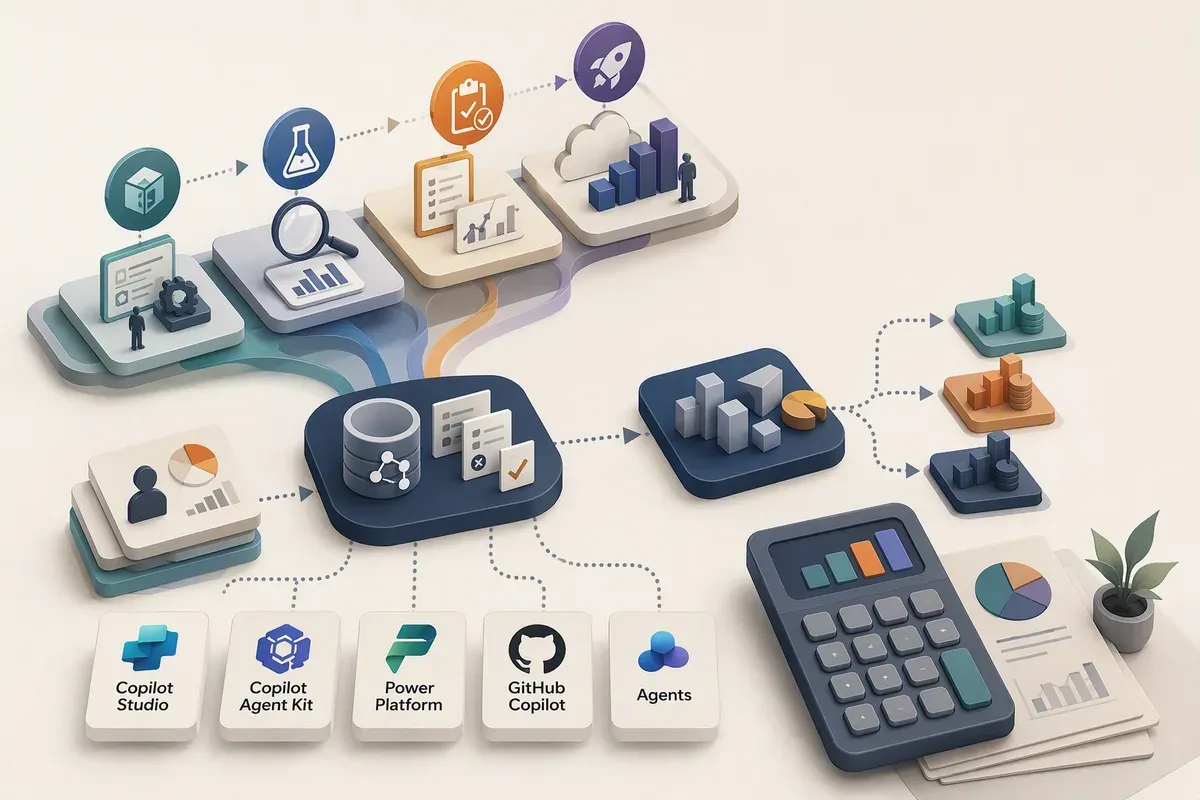
Giving 500 people access doesn’t tell you how much an agent will cost. Neither does counting messages. Estimating Copilot Studio agent costs starts with the business tasks those people need completed, plus work triggered by events or schedules.
I’d use this financial operations (“FinOps”) playbook: measure representative workloads, optimize cost per successful outcome, and replace assumptions with observed Copilot Credit consumption.
Guidance checked September 16, 2026. The kit workflow follows public documentation, not a live installation walkthrough. Agent Review Tool and agent evaluation are preview.
1. The rule that changes everything
GitHub Copilot harness agents in Copilot Studio consume credits during building, testing, evaluation, and runtime, regardless of the user’s Microsoft 365 Copilot license. Runtime means the agent doing its users’ or scheduled work.
A harness coordinates the model and its tools. Describing a change in natural language, previewing it, or generating evaluations can consume credits before publication. Manual configuration that doesn’t use a large language model (“LLM”) does not, under the Copilot Credits Guide.
2. Understand the meters
Keep these four items separate:
| Meter or entitlement | What belongs here |
|---|---|
| Copilot Studio Copilot Credits | Harness-agent consumption, including LLM tokens, tools, and harness processing. Tokens are pieces of text processed or generated. |
| Microsoft 365 Copilot license coverage | Qualifying authenticated employee use of standard-harness agents in Microsoft 365 channels, subject to identity and fair-use conditions. Not GitHub Copilot harness usage. |
| GitHub AI Credits | GitHub Copilot’s separate AI usage meter for its coding tools. Not Copilot Studio capacity. |
| External service costs | Separately billed services, storage, and other capacity the solution uses. Avoid counting the same consumption twice. |
License coverage for workflows and prompts depends on qualifying use inside a standard-harness agent. Computer use isn’t included. A licensed maker doesn’t establish coverage for everyone.
3. Estimate before building
Before opening the builder, fund three phases:
| Phase | Include |
|---|---|
| Build | Natural-language authoring, previews, early tests |
| Validation | Evaluation, kit reviews, pilot activity, failures, retries |
| Runtime | User tasks, event-driven work, scheduled work |
Keep initial creation separate from recurring refinement and validation. The Copilot Agent Kit’s AI-supported reviews can consume credits too.
Start with a bounded building exercise. Measure reported consumption after reporting catches up, account for unrelated activity, and use several exercises to size the remaining work. Development and trial environments aren’t automatically free.
Agree on the controls in step 9 before spending this allowance, not just before production.
4. Establish a pilot baseline
Choose representative business tasks: a short policy answer, a comparison across sources, or a record update. Define success for each. Include ambiguous requests, restricted information, and event-driven work.
Record the agent version, task mix, completed outcomes, failures, retries, and credits over a matching window. That’s the baseline you’ll compare changes against.
Before publishing, use Licensing > Copilot Studio in the Power Platform admin center (“PPAC”). Reports provide agent and environment totals, not per-run or per-user bills. Isolate the exercise where possible and document other activity.
Publish only to a controlled pilot. Monitor becomes available after publication; its data can lag by up to an hour.
5. Optimize the agent
I’d change one thing at a time:
| Area | Change to test |
|---|---|
| Tools | Clarify when to use each tool. Check connections and business rules before removing apparent duplicates. |
| Retrieval | Fetch only needed records and fields; avoid repeating still-valid searches. Preserve source references and access controls. |
| Model choice | Where supported, try a lower-cost model on routine tasks; retain it only if quality holds. |
| Orchestration | Simplify how the agent chooses and sequences actions. Use fixed rules for predictable work where supported. |
| Subagents | Add agents assigned parts of a task only when specialization justifies coordination and repeated instructions. |
| Output | Request the decision and supporting references, rather than a long report by default. |
Save the original settings and the expected benefit. Fewer tokens or tool calls are useful signals, but the result still needs to be correct.
6. Validate changes
Have an administrator complete the Copilot Agent Kit prerequisites and setup, including Power Apps and Power Automate rights, AI capacity, and connections. Limit access to needed agents and transcripts, the saved conversation records.
In the Makers app, open Agent Review Tool > Copilot Studio Agents, select the environment and agent, and run Review. Open Cost & efficiency in the saved GitHub Copilot-powered result.
The review uses available transcript evidence from the last 30 days. Missing evidence doesn’t prove a capability is unused, and call counts aren’t billed credits. The tool recommends changes; it doesn’t apply them.
For two overlapping search tools, I’d:
- Save cases for each intended search, an ambiguous request, and restricted information.
- Run them before and after changing the tool descriptions, using the same test method and authenticated user profile. Record versions and repeat to see variation.
- Confirm answer quality, tool selection, permissions, and actual record changes. Use safe data and isolated connections for actions that modify records.
Use Copilot Studio’s preview Evaluate for repeatable runs. Its General quality score doesn’t compare responses with expected answers; verify the required outcomes yourself.
7. Measure cost per successful task
For comparable workloads:
Credits per successful task =
  credits consumed across all attempts / successfully completed business tasks
Include failures and retries in the numerator. Use the matching measurement window from step 4, not the organization’s entire bill. Keep build and review allowances separate from runtime comparisons.
For example, 12,000 credits across 80 successful tasks is 150 credits per success, even if those tasks took 100 attempts. Multiply by the applicable per-credit rate for the monetary cost. Record the success rate beside that figure. With no successful outcomes, report the consumed credits and failures; there’s no meaningful per-success value.
8. Forecast production consumption
In the kit’s How do I plan a budget?, enter monthly agent tasks and select a scenario using its planning bands:
| Scenario | Workload assumption | Credits per task |
|---|---|---|
| Light | Few sources, light reasoning, one output at most | 100–300 |
| Medium | Many sources, structured reasoning, multiple outputs | 300–500 |
| Heavy | Broad aggregation, deep reasoning, many outputs | More than 500; no fixed upper bound |
These are planning assumptions, not measurements of your agent. The tool doesn’t infer complexity from transcripts. For representative measured workloads, multiply credits per successful task by expected completed outcomes; those retries are already included. Use bands for workloads you haven’t measured.
For example, suppose 500 people have access, but expected demand is:
| Business task | Monthly volume assumption | Runtime credits |
|---|---|---|
| Short answers from approved sources: Light | 80 people × 5 tasks = 400 | 40,000–120,000 |
| Cross-source comparisons and summaries: Medium | 20 people × 20 tasks = 400 | 120,000–200,000 |
| Total | 800 tasks | 160,000–320,000 |
Task characteristics justify the scenarios, not user frequency or license ownership. Estimate each group separately, then combine. One conversation can contain several tasks; a tool call isn’t another business task.
Add illustrative recurring allowances of 10,000 credits for refinement and 5,000 for validation, plus a team-selected 20% reserve:
Low  = (160,000 + 10,000 + 5,000) × 1.20 = 210,000 credits
High = (320,000 + 10,000 + 5,000) × 1.20 = 402,000 credits
At the published $0.01 per credit, that’s $2,100–$4,020 in United States dollars monthly. Substitute the customer’s applicable rate; keep the credit forecast separate from pricing. These allowances aren’t Microsoft recommendations, and the reserve isn’t a cap or an upper bound for Heavy work. Add event-driven tasks and external costs separately.
9. Put guardrails around it
Microsoft explicitly recommends combining environment-level and agent-level controls. An environment is a workspace holding agents, apps, and data; its settings affect other workloads too.
Have a Power Platform administrator configure:
| Control | Action |
|---|---|
| Agent | In PPAC, Licensing > Copilot Studio > Manage Agents > Set limit: set the monthly limit, notification threshold, and Stop usage. |
| Environment | Under Manage Copilot Credits, allocate prepaid capacity where applicable. Clear Draw from the available capacity in my tenant to prevent drawing from unallocated prepaid credits. |
| Azure billing | For pay-as-you-go (“PAYG”), use Azure Cost Management budgets and alerts for the billing plan’s Power Platform account resource. These notify; they don’t stop usage. |
Disabling tenant-pool access doesn’t stop usage through a linked PAYG plan. An allocation alone isn’t a spending cap.
I’d start with PAYG to avoid upfront pack purchasing while demand is uncertain. Account for existing prepaid commitments and confirm the applicable rate with procurement; PAYG doesn’t guarantee a discount.
Name the consumption reviewer, budget approver, and person who responds when an agent stops. Include development and test agents.
10. Reforecast from actual usage
I’d review weekly during rollout, then adjust the cadence once demand settles. Compare actual task volume, complexity, success rate, and credits per successful outcome with the forecast.
Use Monitor alongside PPAC’s agent and environment reports, keeping billed and nonbilled consumption distinct. Reconcile PAYG monetary charges with Azure Cost Management after reporting delays.
Replace planning bands with observed consumption for each task type. Revisit the forecast after model, tool, audience, or schedule changes, and retain an allowance for refinement and validation.
Start with one agent and a representative task set. Before expanding access, make sure its owner knows what a successful task costs and what happens when the limit is reached.
Get the latest learnings
Occasional notes on Azure, AI, and cloud architecture. No spam, unsubscribe anytime.
Related articles
From Excel Compliance Tracker to Working App in 25 Minutes
A customer's Excel tracker became a testable app in 25 minutes. Here's how Copilot Studio, Cowork, code apps, and GitHub Copilot compare.
Six Business Apps in One Sunday with Copilot Studio's Copilot Managed Runtime App Studio
I had an agent build six demo apps in Copilot Studio in one day, then wire one to live energy data through custom connectors. Here's what review taught me.
Finding GitHub Copilot Harness Agents Before PPAC Shows Them
The Power Platform admin center still doesn't flag which Copilot Studio agents run on the GitHub Copilot harness. The isCLIAgent property does, and Microsoft has now published governance guidance built on it.
Comments
Comments are hosted by GitHub Discussions. Loading them connects your browser to giscus.app and GitHub.